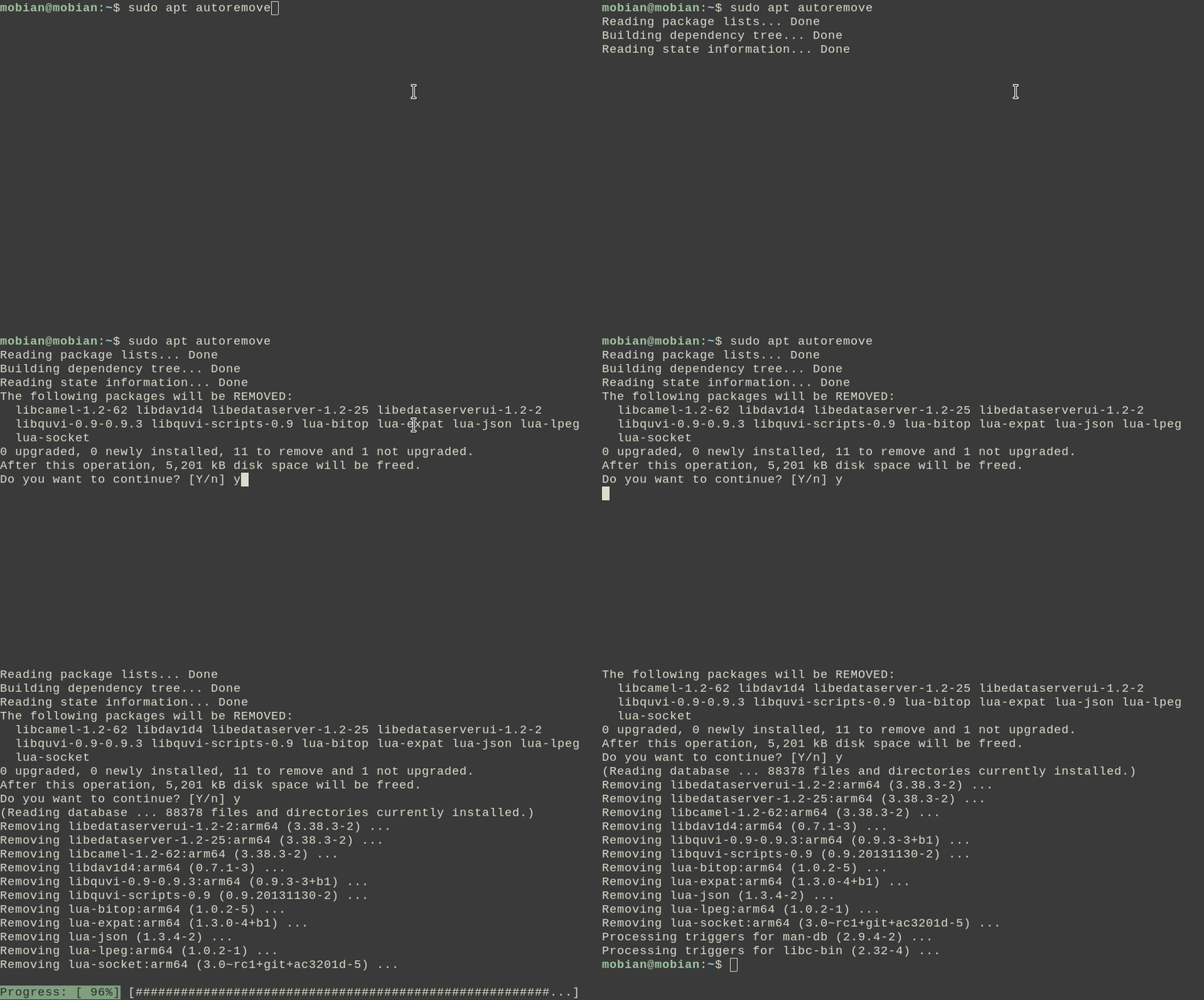
Credits: https://mdk.fr/blog/how-apt-does-its-fancy-progress-bar.html.
Some terminal applications display a progress bar at the bottom while
they are in progress. A famous example is the apt package
manager.
|
|
|
Credits: https://mdk.fr/blog/how-apt-does-its-fancy-progress-bar.html. |
ESC 7
to tell the terminal to save the cursor position.
The ANSI codes for saving and restoring cursor
position have actually never been standardised. The DEC standard uses
ESC 7 for saving whereas the SCO standard uses ESC
[ s. Nevertheless, modern terminal emulators like xterm
generally support both standards, but for the purposes of this post I
will follow the DEC standard.
ESC [ n ; 0 H to position the cursor at the
beginning of the bottom line. n is the number of lines in
the terminal, which the application should know beforehand.ESC [ 2 K may
have to be sent before to clear the previous statusbar line.)ESC 8 to restore the cursor position which was
saved in step 1. We are now ready to print another line of regular
output. apt because every line of output is its own. But it could
potentially be an issue in other cases. Suppose you are writing a
script that has multiple stages. Each stage calls an external
application and takes a while to finish, so you might want a statusbar
that displays the current stage for easy reference. For instance, you
could be writing an installation script whose stages are
configure, make and make
install.
betterstatus
is my proof-of-concept answer to this issue. Let me demonstrate by
example. Suppose this is my original script.sh:
#!/bin/bash
./configure
make
make installbetterstatus, the
script is modified as follows:
#!/bin/bash
status-set "Configuring..."
./configure
status-set "Building..."
make
status-set "Installing..."
make installstatus "" ./script.sh
.
That's it!
The first parameter to status sets the
initial statusbar line before the first status-set. In
this case, we already call status-set at the very
beginning of the script, so the parameter doesn't matter and we just
make it blank.
The main idea behind status is that it redirects the
application's stdout into a UNIX pipe
.
It then reads data from the same pipe and applies some post-processing
before writing to the terminal. Actually, it reads
character-by-character and lets all non-newline characters pass
through. Only when we encounter a \n do we perform the
whole shenanigan with ANSI escape codes
.
More accurately, it opens a pipe() and
then fork()'s itself. The parent closes the write end of
the pipe while the child closes the read end and exec()'s
the application. This is also how shell redirection is implemented.
\n:
Line 1
Line 2‸
STATUS MESSAGELine 1
Line 2
STATUS MESSAGE
‸ESC [ F move back to the beginning of the previous line.
Line 1
Line 2
‸STATUS MESSAGE
STATUS MESSAGEESC [ K to erase the entire line,
leaving space for the next line of regular output.
Line 1
Line 2
‸
STATUS MESSAGEstatus-set communicate the status message with
status? Since these are two separate executables, we have
to use inter-process communication (IPC). After briefly looking
through the IPC mechanisms, I settled on POSIX message queues because
status-set only needs to send data occasionally to status. This rules out pipes which imply a continuous data stream./statusXXX
. And the
interface is as simple as one would expect: status and
status-set call mq_open("/statusXXX"),
status-set periodically mq_send()'s the new
statusbar line, and status mq_receive()'s it
and updates its internal variable. The message queue is opened with
the O_NONBLOCK option, so that mq_receive()
doesn't block and stall output.
The slash is just part of the specification of the name. It does not refer to a path in the filesystem.
But now there's a new problem: how does status and
status-get agree on the name of the message queue (in
particular the XXX part) in the first place? Based on
the example above, they don't even communicate with each over! And we
can't use a fixed name like /status, because that would
prevent us from running multiple instances of status. It
looks like we just kicked the communication can down the road!
Fortunately, there does exist an indirect form of communication:
environment variables. status assigns the message queue
name to the environment variable STATUS_MQ, and
propagates it via the application to status-set
.
So all is good!
The implicit assumption is that the
status and status-set processes are
"related" to each other in the sense that status-set is
executed within the scope of the application. This is entirely
reasonable: there is no reason to let status-set change
the statusbar in an instance of status running in say,
another terminal window.